
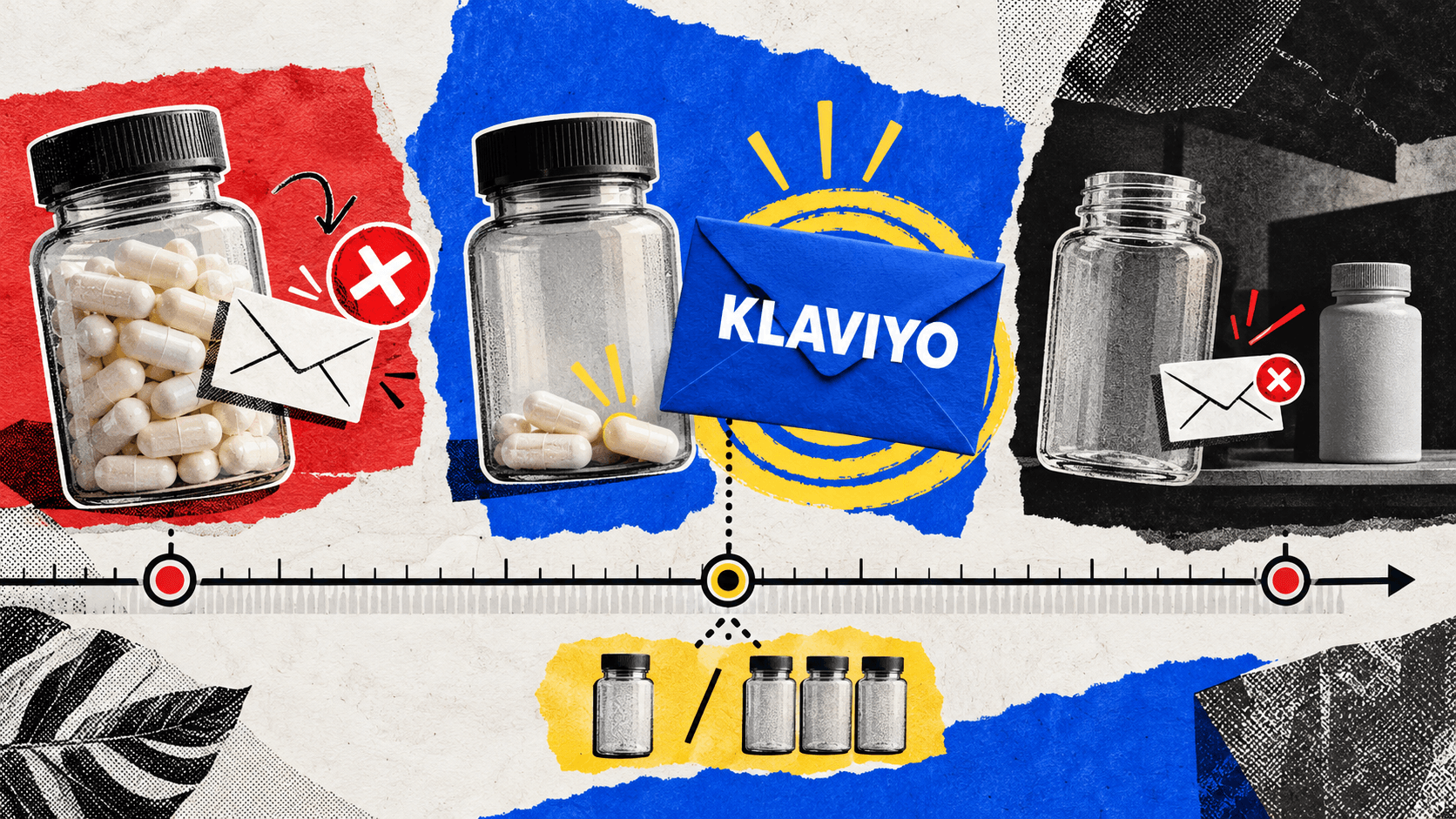
A refill reminder that lands three weeks late is worth nothing. The customer already ran out, got annoyed, and grabbed a competitor's version off a shelf. One that lands three weeks early reads as a sales pitch and gets ignored.
A Klaviyo replenishment flow lives or dies on the one decision almost no guide helps you make: the delay. Across the consumable brands we run, that single variable separates a flow that prints from one that irritates. Get it right and it becomes the highest-intent email you send. This only works if you sell something that runs out, so the first job is deciding whether it applies to you at all.
TL;DR
- Replenishment flows only fit consumables with a predictable finish date. If the repurchase interval is irregular or longer than about six months, this is the wrong tool.
- Derive the delay from the product's real supply length minus a buffer, then validate it against your actual repeat interval in Klaviyo, not the number on the label.
- The hard part is data: pulling the exact SKU someone bought into the reminder, and branching on quantity so a three-pack buyer is not reminded in 25 days.
- Replenishment earns $0.28 per send in our benchmarks, near the bottom, and that is fine. It fires to a tiny, precise slice, and half of brands still do not run it.
What Is a Replenishment Email Flow?
A replenishment email flow is an automated sequence that reminds a customer to reorder a consumable product right before they run out, timed to how long that specific product lasts. It fires weeks or months after purchase, not in the first days, and its job is winning the reorder rather than onboarding the buyer. That timing is what separates it from the post-purchase window, which works the first two weeks after checkout.
Which Products Justify a Klaviyo Replenishment Flow
A replenishment flow only earns its place if your product runs out on a predictable schedule. Supplements, food, treats, skincare, and household refills qualify. Furniture, electronics, and one-time purchases do not.
The rough test is whether the customer finishes the product on a schedule you could predict. If the repurchase interval is irregular, or longer than roughly six months, the timing signal is too weak to build on and your budget is better spent elsewhere.
| Post-purchase flow | Replenishment flow | |
|---|---|---|
| Window | 0 to 14 days | 30 / 60 / 90+ days, per SKU |
| Job | Onboard, nudge the second order | Catch the customer as the product runs out |
| Hardest part | Email count and sequencing | Per-product timing and data |
| Fits | All DTC | Consumables only |
For the ecommerce brands we run, the replenishment window is the single most valuable date in the customer record, because it is the one moment when intent to reorder is at its natural peak.
How to Calculate Your Replenishment Window Per Product
Start from the product's real supply length, subtract a buffer so the email lands before the customer runs out, then validate that delay against the actual repeat-purchase interval in your Klaviyo data rather than the number on the label. A 30-day supply rarely means a clean 30-day reorder.
A 60-count bottle taken twice a day lasts 30 days, so the reminder should land around day 23 to 25, while there is still product left and no panic yet. Klaviyo's own documentation suggests a 25-day reminder for a 30-day supply, which is a reasonable starting point and a poor finishing one. The label tells you the theoretical burn rate. Your own reorder data tells you the real one, which is almost always slower because people skip days.
The complication is a catalog with different supply lengths. One SKU is a 30-day supply, another is 90. A single global delay is wrong for both, so the delay has to be set per product, not per flow.
| Product | Real supply | Reminder delay |
|---|---|---|
| 30-day supplement | 30 days | Day 23 to 25 |
| 60-count, two per day | 30 days | Day 23 to 25 |
| 90-day refill pack | 90 days | Day 80 to 83 |
| Skincare, variable use | Validate in data | Use your median reorder gap |
Pulling Last-Purchased Product Data Into the Email
The reminder has to name the exact product the customer bought, not a generic prompt to reorder. This is where most public guidance stops, and where the Klaviyo community forum has a stack of unresolved threads. The build has three moving parts: the trigger, the exclusion, and the product block.
Set the flow trigger to a Placed Order event filtered to the specific item or collection, so a supplement buyer enters the supplement flow and nobody else does. Then add a product block that references the last-purchased item dynamically and carries a Buy Again action, so the email shows their exact SKU with a one-click path back to checkout. A generic reminder converts a fraction of what a specific one does.
The exclusion is what keeps it clean. Add a flow filter that removes anyone who has placed a new order since entering, so a customer who already restocked never receives the nudge. Klaviyo's consumable-goods guide makes the case for running the flow at all, but stops short of the per-item mechanics that make it feel personal instead of automated.
Handling Quantity: One Bottle or Three
A customer who bought three bottles does not need a reminder in 25 days. They need it in roughly 75. Branch the flow on the quantity ordered so the delay scales with what the customer actually bought, then guard the exit so nobody who reordered early still gets the email.
In practice that means a conditional split on order quantity, with the base supply delay multiplied by the units purchased: one unit reminds at day 25, a three-pack at day 75, and so on. Pair it with the same interim-reorder exclusion from the last section, because a bulk buyer is the most likely to restock off-cycle. This is the same discipline as segmenting on purchases rather than on how recently someone opened an email.
Why $0.28 Per Send Is Not a Reason to Skip It
Our flow benchmarks put replenishment near the bottom of the revenue-per-send table, and that is exactly what a precision flow is supposed to look like. It does not blast the list. It fires to a small, exactly chosen slice of customers at the one moment they are about to run out, so judging it on revenue per send is judging the wrong number.
| Replenishment benchmark | Figure |
|---|---|
| Revenue per send | $0.28 |
| Rank among flows | 8th |
| Brand adoption | 50% |
The metric that matters is revenue per eligible customer, and on that basis a well-timed refill reminder is one of the most efficient sends in the account. The other half of the story is the gap: adoption sits at 50%, meaning half the brands we audit run no replenishment flow at all. What separates top Klaviyo accounts is rarely the universal flows, which nearly everyone has, but the niche ones almost nobody builds. A low revenue-per-send number plus a coin-flip adoption rate is not a reason to skip it. It is an opening.
When a Subscription Offer Beats a Replenishment Flow
Once a customer has reordered the same SKU three times on a predictable cycle, a subscription captures that revenue automatically and the reminder becomes redundant. At that point you are paying in attention and deliverability for something a subscribe-and-save button would do on its own. The replenishment flow is the better tool when cadence is variable, when customers buy across several SKUs, or when they resist committing to a subscription at all.
When a GLP-1 subscription brand rebuilt its lifecycle timing around the patient journey, email and SMS revenue grew 9x within 30 days, because the messages started matching where the customer actually was rather than a generic calendar. Subscription and replenishment are not rivals. They are two answers to the same question of timing, and the right one depends on how committed the customer already is.
Whether the reminder itself needs an incentive is a separate discount strategy question, and for a customer who is already about to run out, the answer is usually no.
Frequently Asked Questions
1. How Long Should the Delay Be in a Klaviyo Replenishment Flow?
Start from the product's real supply length and subtract a short buffer, so the email arrives a few days before the customer runs out. For a 30-day supply that is roughly day 23 to 25. Then validate the delay against your actual reorder data in Klaviyo, which is usually slower than the label suggests because people skip days.
2. How Do You Set Up Replenishment Emails in Klaviyo?
Trigger the flow off a Placed Order event filtered to the specific product or collection, then set a time delay based on that product's supply length. Add a dynamic product block with a Buy Again action so the email shows the exact SKU, and a flow filter that removes anyone who has already reordered.
3. Can One Replenishment Flow Handle Products With Different Supply Lengths?
Not well with a single global delay. Either build separate flows triggered by product or collection, each with its own timing, or use conditional splits inside one flow that set the delay per SKU. A 30-day supplement and a 90-day refill cannot share one reminder date without one of them being wrong.
4. How Do I Show the Exact Product Someone Bought in the Reminder?
Use a dynamic product block that references the last-purchased item, paired with a trigger filtered to that item or collection. Add a Buy Again action so the customer can reorder the exact SKU in one click. Showing the specific product converts far better than a generic reminder to restock.
5. What Stops a Customer Who Already Reordered From Getting the Email?
A flow filter that removes anyone who has placed a new qualifying order since entering the flow. Without it, a customer who restocked early still receives the nudge, which reads as careless and trains people to ignore your reminders. This exclusion matters most for bulk buyers, who reorder off-cycle most often.
6. Is a Replenishment Flow the Same as a Post-Purchase Flow?
No. A post-purchase flow works the first two weeks after checkout to onboard the buyer and earn the second order. A replenishment flow fires weeks or months later, timed to when the product runs out, to win the reorder. They serve different moments and should not be merged into one sequence.